
I tried at least six IPTV players before I stopped tinkering and settled on one. If you’ve bounced between apps wondering why the experience feels half-finished, this write-up is for you. After running TiviMate Premium on a Firestick 4K Max for the better part of six months, I want to separate what actually matters from the marketing noise.
The honest promise here: I’ll explain what the paid player unlocks technically, why so many people confuse the player with the service behind it, and whether it’s worth your money in 2026. No generic top-five list — just what I’ve observed channel after channel, EPG refresh after EPG refresh.
Table of Contents
First Impressions of TiviMate Premium
The free version of the app is functional but limited. You get a single playlist, a narrow set of favorites, no catch-up, and a persistent upgrade prompt. The interface itself is already pleasant — clean grid, sensible menus, no clutter.
Here’s what surprised me: the upgrade doesn’t redesign the app. Instead, TiviMate Premium simply removes the walls the free version builds around features that already exist under the hood. Multiple playlists merge into one combined guide. Hidden groups, custom categories, and a proper recording module appear. However, here’s the catch that trips up first-time buyers: the app opens to an empty screen until you add a playlist. It’s a player, not a source of channels.
Technical Performance — Where the Paid Tier Earns Its Price
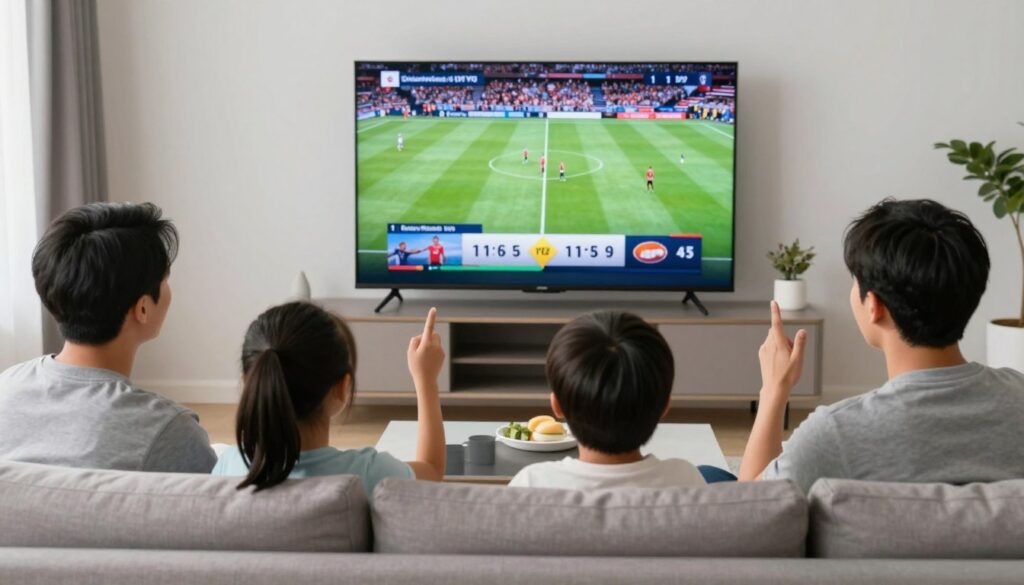
Buffering & Stream Stability on TiviMate Premium
On a 50 Mbps fibre line, the first channel switch of a session buffers for roughly two to three seconds before the picture locks in. After that initial pull, switching between channels in the same group is near-instant — usually under a second. That behavior comes down to how the connection is delivered.
If your provider hands you an M3U URL, the app pulls the entire playlist as a flat text file and parses it locally. With an Xtream Codes API login, the player queries the server for live categories, VOD, and series separately, which feels snappier in practice on my Firestick 4K Max. Therefore, when a provider supports both, I always pick the Xtream option.
Buffering itself usually has little to do with the app. The common causes sit upstream: an overloaded server during peak evening hours, a VPN routing you through a congested hop, or a Wi-Fi connection that drops packets. A polished player can’t fix a bad source — it just handles a good one more gracefully.
EPG Accuracy and the Catch-Up Feature
Here’s the detail I wish someone had told me earlier. The program guide isn’t generated by the player at all — it’s an XMLTV file your provider supplies. That’s why EPG accuracy varies wildly between services, and it’s also why TiviMate Premium can look perfect with one provider and half-empty with another.
On my setup, the guide lags by about two seconds at the start of each day while it repopulates the timeline, then it’s smooth for the rest of the session. That’s a quirk worth knowing rather than a flaw. Catch-up, when the provider supports it, works the same way: the app requests the time-shifted stream, but the server has to actually offer it. I’ve had channels where catch-up stretches back seven days and others where it simply isn’t available.
That said, the multi-playlist handling is where the paid tier quietly shines. I run two playlists side by side — one for live channels, one for VOD — and they merge into a single, searchable guide. Try that on the free version and you’ll hit the one-playlist wall within minutes.
How Do You Buy the Upgrade?
This is the question that floods forums — often typed verbatim as “how do I have to buy tivimate premium” — and the answer catches people off guard. There’s no website checkout. The purchase happens entirely inside the app.
You open settings, tap “Unlock Premium,” and choose between a yearly plan or a lifetime option. The transaction routes through Google Play or the Amazon Appstore, depending on where you installed it. In addition, the lifetime unlock is tied to the platform, not a universal account — a Firestick purchase doesn’t carry over to an Android TV box bought from the Play Store.
That quirk is the single biggest source of refund requests in the community, so decide which device ecosystem you live in before paying. Know which store you’re buying for, because the lifetime unlock won’t follow you to a different one.
Pairing It With the Right Subscription
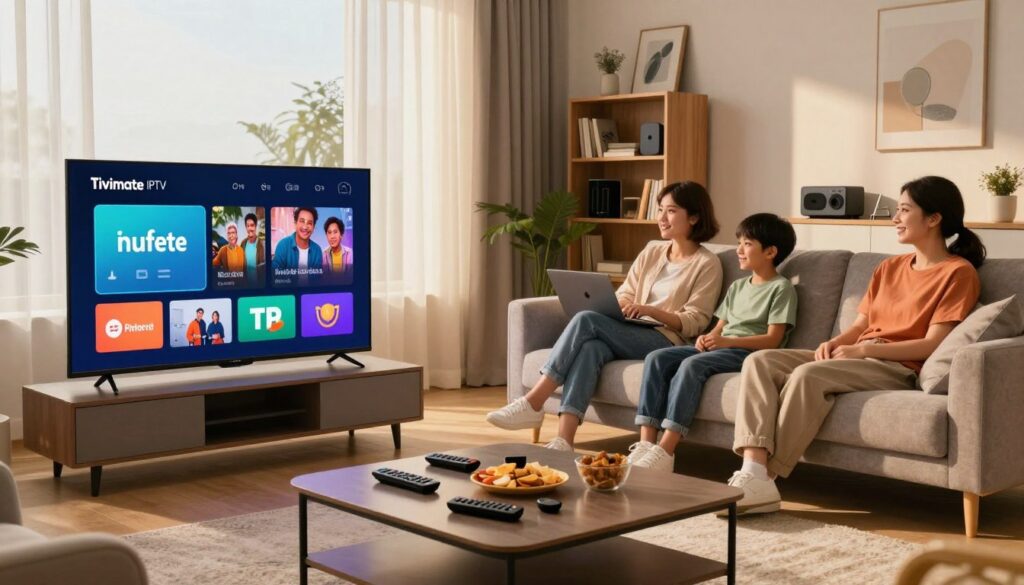
Once the player is unlocked, the real decision begins: what feeds it. A usa iptv subscription is only as good as its backbone. Look for three things before you pay anyone — Xtream Codes or equivalent API support, a working EPG source, and a trial period.
A reliable usaiptv provider will offer a 24-to-48 hour test so you can judge buffering during peak hours yourself. Skip anyone who refuses a trial or demands a full year upfront. The communities on r/IPTV and r/cordcutters repeat this constantly, and for good reason: the best iptv service for your neighbour’s setup can still stutter on yours because of routing. Test before you commit.
TiviMate vs Vivimate — Quick Reality Check
Search for the app and you’ll sometimes land on something called vivimate. The name is close enough to cause confusion, and that’s no accident. It’s a separate, unrelated app riding on similar branding.
The real player is maintained by MobileVApps, updates through official stores, and has years of community feedback behind it. The similarly-named alternative has a thinner track record, sparse documentation, and an unclear update cadence. When you’re choosing between TiviMate Premium and a lookalike, the safest rule is simple. Install only from the Google Play Store or Amazon Appstore and confirm the developer name. Imitation apps in this space have a habit of disappearing overnight, taking your payment with them.
Is the Paid Tier Worth It in 2026?
After months of daily use, my verdict is straightforward. If you only watch one playlist on a single device, the free version covers you. The moment you want multiple playlists, recording, catch-up, and a guide that handles hundreds of channels without choking, the upgrade earns its price quickly.
It’s a one-time, low-risk decision compared to a recurring service bill — and it’s the layer you fully control in a stack where the service layer is the unpredictable part.
Conclusion
If you take one thing from this, let it be the distinction that matters most. TiviMate Premium is the player — polished, stable, and genuinely well-built — but it’s only as good as the subscription feeding it. Decide your device ecosystem first, unlock the app inside the store you actually use, then invest your real research time in finding a provider with a trial, a real EPG source, and API support.
Don’t expect the app to rescue a poor service, and don’t blame the service for limits built into the free player. Get both layers right and the experience finally feels finished. Start with a short trial on both before you commit a dollar.
Frequently Asked Questions
Q: Is the player the same thing as the IPTV service? A: No. The app is a media player that reads playlists from a provider. You need both — the player to display channels, and a separate subscription to supply them. One without the other gives you nothing to watch.
Q: How do I unlock the paid tier? A: Open the app’s settings, tap “Unlock Premium,” and complete the purchase through Google Play or the Amazon Appstore. There’s no separate website. Choose yearly or lifetime, keeping in mind the lifetime unlock is tied to the store you bought it from.
Q: Does the paid upgrade stop buffering? A: Not directly. Buffering is usually caused by the provider’s server load, your VPN routing, or weak Wi-Fi. The app handles a stable source more smoothly, but it can’t fix an overloaded or unstable feed upstream.
Q: Why is my program guide empty or wrong? A: The guide comes from an XMLTV file your provider supplies, not from the app itself. If entries are missing or times are off, the issue is almost always the provider’s EPG source rather than the player.
Q: Can I use one lifetime purchase on multiple devices? A: Only if they share the same store ecosystem. A Firestick purchase stays on Amazon’s side, and a Play Store purchase stays on Google’s. To cover both, you’d need to unlock each platform separately.



