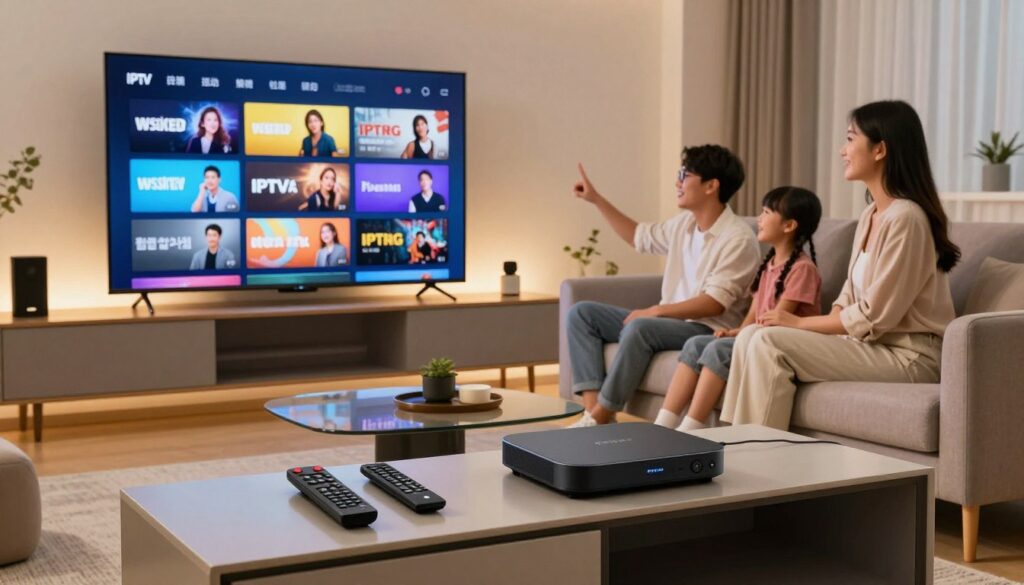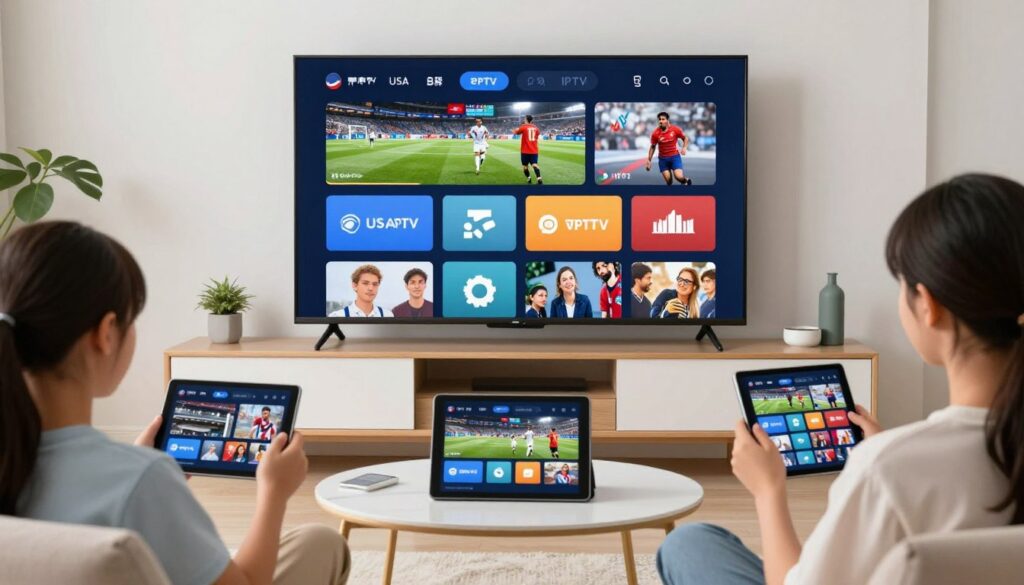
Before you can start streaming, you need the right hardware. An IP TV box is the physical device that connects your television to the internet and runs the apps you use to watch content. Some TVs already have this built in. Others need an external box plugged into an HDMI port.
Choosing the wrong device is one of the most common — and most frustrating — mistakes new streamers make. A box with too little processing power will buffer and freeze. One without 4K support won’t do justice to modern content. And if you already own a capable Smart TV, you might not need extra hardware at all.
This guide walks through the hardware side of the decision: what an IPTV box actually is, the main types on the market, and how to figure out what your setup actually needs — before you worry about which app or service to use.
Table of Contents
What Is an IPTV Box?
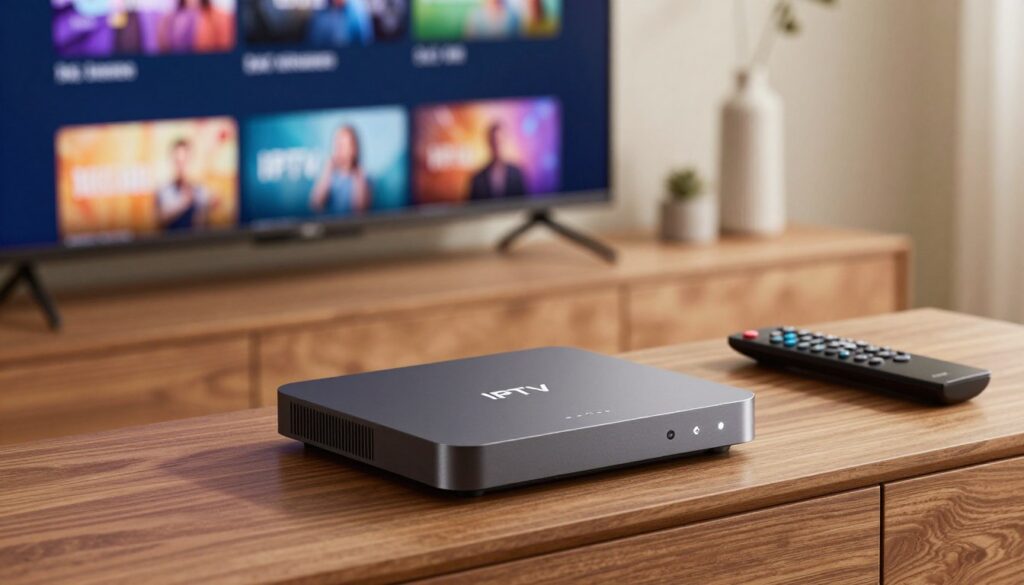
An IPTV box is a small device that sits between your internet connection and your television. It runs an operating system (usually a version of Android or a Linux-based system) that lets you install streaming apps, just like a smartphone runs apps from an app store.
The box itself doesn’t provide content. It’s the hardware layer — the “computer” that powers your TV screen. What you watch depends entirely on the apps and services you install on top of it.
This is different from using an app directly on a Smart TV. Many modern televisions have an app store built into the TV’s own operating system, so you can install a streaming app without any extra hardware. An IPTV box becomes useful when your TV’s built-in system is outdated, underpowered, or doesn’t support the apps you want to use.
In short: a smart iptv box replaces or upgrades the “brain” of your television, while the TV itself stays as the screen.
Types of IPTV Boxes
Not all IPTV devices are built the same way. Here are the main categories you’ll come across when shopping for an iptv device.
Android TV Boxes
These are general-purpose boxes running the Android operating system, adapted for a television screen. They typically include an app store, support for a wide range of streaming and IPTV apps, and enough processing power to handle most modern content.
Android boxes are popular because they’re flexible — you’re not locked into one app or ecosystem. This flexibility is also why Android TV boxes are the most common recommendation for anyone building a smart box iptv setup from scratch.
Dedicated IPTV Set-Top Boxes
Some manufacturers build boxes specifically optimized for IPTV playback rather than general app use. These devices often come with a simplified interface, a remote designed around channel and program browsing, and firmware tuned for streaming stability.
A dedicated iptv set top box usa buyers choose is usually a good fit for people who want a “plug and play” experience without customizing much themselves. [VERIFY: specific product names/models before publishing, since this section should stay brand-neutral.]
Streaming Sticks
Streaming sticks are compact devices that plug directly into an HDMI port, without a separate box or extra cables cluttering your entertainment center. They run stripped-down versions of Android or other streaming-focused operating systems.
Sticks are convenient and portable — useful for travel or a secondary TV — but they generally have less processing power and storage than a full-size box. For a primary home setup, especially one meant to handle 4K content reliably, a full ip tv smart box is usually the more durable choice.
IPTV Box vs. Smart TV — Do You Need Separate Hardware?
This is the question most people actually need answered before buying anything. Do you need a separate box, or can your existing television handle IPTV on its own?
When Your Smart TV Is Enough
If you bought your television within the last two or three years, there’s a good chance it already qualifies as smart tv with iptv capability — meaning it can run streaming apps natively through its own app store. In that case, a separate box may be unnecessary.
The best smart tv for iptv use is one with:
- A regularly updated operating system (so new apps stay compatible)
- Enough internal storage and memory to run apps smoothly
- Native 4K and HDR support if you plan to watch high-resolution content
If your TV checks these boxes, you may already have everything you need — and adding a box would simply be redundant hardware.
When You Need Separate Hardware
Older Smart TVs often fall behind. Their app stores stop receiving updates, their processors struggle with newer app versions, and menus become sluggish over time. This is where an external box earns its place.
A smart 4k iptv box can also outperform an aging TV’s internal chip, since dedicated streaming devices are built and refreshed more frequently than television firmware. If you’re chasing a smart iptv premium viewing experience — sharp 4K picture, smooth navigation, minimal buffering — newer external hardware is often the more reliable route than relying on a TV that’s several years old.
The Simple Test
Ask yourself: does your current TV’s app store still receive regular updates, and does it run smoothly? If yes, you likely don’t need a box. If your TV feels slow, has a limited or outdated app selection, or lacks 4K/HDR support, an external box is the more practical upgrade.
What to Look for in an IPTV Box
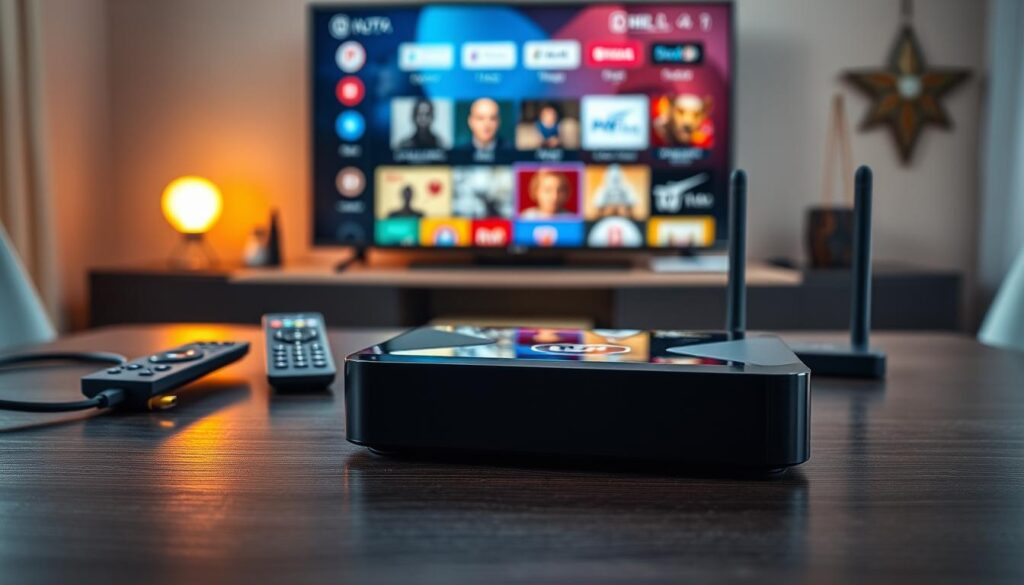
If you’ve decided you need dedicated hardware, here’s what actually matters when comparing options — whether you’re shopping for an iptv box usa retailers carry or importing an american iptv box from elsewhere.
Processing Power and RAM
The processor and RAM determine how smoothly apps open, how well the interface responds, and whether multiple apps can run without lag. Entry-level boxes can handle basic streaming, but if you plan to multitask or run several apps, more RAM makes a noticeable difference.
4K and HDR Support
If you own a 4K television, make sure the box actually outputs 4K resolution — not just standard HD upscaled to fit the screen. HDR (High Dynamic Range) support adds better contrast and color accuracy, which matters most for movies and premium content.
Storage Space
Storage affects how many apps you can install and how much cache each app can store. A box with limited storage may force you to constantly uninstall and reinstall apps, which gets tedious fast.
Wi-Fi vs. Ethernet
Streaming is bandwidth-hungry, and a weak connection is one of the top causes of buffering. A box with a wired Ethernet port generally provides a more stable connection than Wi-Fi alone, especially in homes with a lot of wireless interference. If Ethernet isn’t an option, look for a box that supports dual-band Wi-Fi for a stronger signal.
Remote and Interface Quality
A cluttered, confusing interface makes even the best hardware frustrating to use daily. Look for a clean home screen, a responsive remote, and simple navigation between installed apps. Voice search or voice remote support is a helpful bonus but not essential.
Setting Up an IPTV Box
Once you’ve chosen your device, setup generally follows the same basic pattern: connect the box to your TV via HDMI, power it on, connect it to your Wi-Fi or Ethernet network, and complete the on-screen setup wizard. From there, you’ll install whichever streaming apps you plan to use.
The exact steps for installing and configuring a specific app — including sign-in, playlist setup, and troubleshooting — vary from app to app. For detailed, step-by-step walkthroughs, see our individual installation guides: [INTERNAL LINK: Kodi installation guide], [INTERNAL LINK: IBO Player installation guide], [INTERNAL LINK: TiviMate installation guide], and [INTERNAL LINK: Formuler Z7 setup guide].
Frequently Asked Questions
Do I need a separate IPTV box if I already have a Smart TV? Not necessarily. If your Smart TV’s app store is regularly updated and runs smoothly, it may already handle everything you need. A separate box becomes useful when your TV is older, slower, or missing 4K/HDR support.
What’s the difference between an IPTV box and a regular streaming stick? Both run apps for streaming, but a full-size box typically has more processing power, storage, and cooling, while a stick is smaller, more portable, and better suited as a secondary device rather than a primary setup.
Can I use any IPTV box in the USA, or do I need a specific model? Most Android-based IPTV boxes work anywhere with an internet connection, including throughout the United States. There’s no requirement for a region-specific device — what matters more is the hardware’s processing power, storage, and connectivity, not where it was purchased.
How much RAM does an IPTV set top box in the USA actually need? This depends on how many apps you plan to run and whether you want smooth 4K playback. Generally, more RAM means better multitasking and less lag, though exact recommendations vary by use case. [VERIFY: specific RAM figures before publishing.]
Is Wi-Fi good enough, or do I need an Ethernet connection? Wi-Fi works for most households, but a wired Ethernet connection is more stable and less prone to buffering, especially for 4K content or homes with multiple devices competing for bandwidth.
Do I need to buy a subscription before choosing a box? No — hardware and service are separate decisions. It’s often easier to choose your box first, based on your TV setup and streaming needs, and decide on a service afterward.
Related Reading
- What Is IPTV? — our full explainer pillar] — for a complete breakdown of how IPTV works before you shop for hardware.
- [IPTV Providers Comparison pillar] — once your hardware is sorted, compare services to find the right fit.
- App installation guides: [IPTV Smarters installation guide][Kodi App Installtion Guide], [TiviMate Complete Guide], [Formuler Z7 Installation Guide] — step-by-step setup for each app once your box is ready.